Memory Tickets
Italy
Best apps for traveling in Italy
The best Italy travel apps for trains, city transit, taxis, parking, translation and tickets, with the exact setup American travelers actually need.

The best apps for traveling in Italy are Trenitalia and Italo for intercity trains, Google Maps and Google Translate for daily navigation, and a local taxi app for the cities on your route. Add EasyPark only if you are driving and the official app or website for any major sight you have booked; most trips do not need a larger stack.
None of these recommendations are sponsored. Going on to Spain or Greece too? We have the same practical list for Spain and for Greece.
Install the apps that match your route
- Rome, Florence and Venice by train: Trenitalia, Italo, Google Maps and Google Translate.
- Small towns or the Dolomites by car: Google Maps, Google Translate and EasyPark. Save each city's restricted-driving-zone page before arrival.
- A single-city break: Google Maps, Google Translate and one taxi app may be enough. Rome and Milan both accept contactless bank cards on their main transit networks.
Before leaving the US, download the map areas and Italian language pack, add a payment card, and sign in to the rail apps. Google Maps offline directions work for driving when the whole route is inside the downloaded area, but not for transit, walking, cycling, live traffic or alternate routes.
Trains: Trenitalia and Italo
- Trenitalia: use it for Frecce high-speed trains and regional services. A digital regional ticket is personal and now validates automatically at its scheduled departure time; the old in-app check-in step is no longer required. A paper regional ticket still needs validation before boarding.
- Italo: compare it with Trenitalia for high-speed routes including Turin, Milan, Venice, Bologna, Florence, Rome and Naples. Buy through the operator's app or site once you choose a train.
- Trainline: useful for seeing both operators in one search. Check the final total against the operator before paying, then keep whichever app actually issued the ticket.
Regional and high-speed tickets follow different rules, so open the ticket itself rather than relying on a rule remembered from a previous trip. Keep the passenger name correct and carry the ID used for the booking.
City transit without another app
Google Maps is enough for route planning in most cities. The useful detail is knowing where a bank card can replace a local ticket:
- In Rome, ATAC Tap & Go works on the metro and ATAC buses, trams and trolleybuses. Tap the same physical card or the same phone or watch throughout a trip.
- In Milan, ATM contactless payment works across ATM services, with tap-out required on the metro. It does not cover suburban S lines or other rail services, even where those trains appear on the same map.
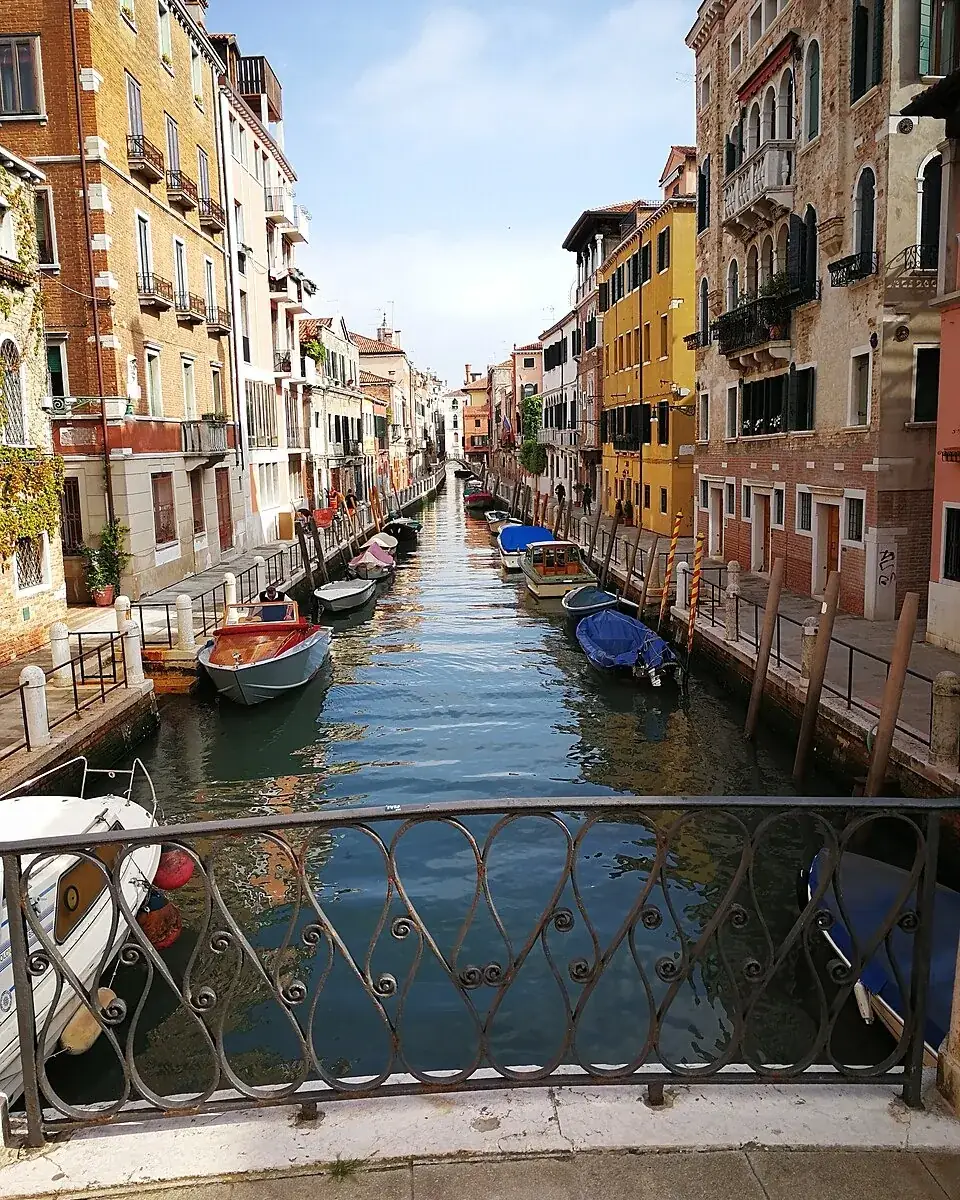
Venice is the exception where route planning matters more than a city-transit app: download the map, save the address of your lodging, and note the nearest vaporetto stop before the signal disappears between buildings.
Taxis
Italian ride apps usually dispatch licensed taxis rather than private cars. Check itTaxi and FREENOW for the cities on your route; coverage differs, so installing two national apps is less useful than confirming one works where you will be. At a station or airport, an official taxi rank remains the simplest backup.
Food and translation
TheFork is useful when a restaurant takes reservations through it, but Italy does not require a restaurant app for every meal. Google Translate deserves the storage space: download Italian, then use its camera translation on menus and signs. Check the detected language before accepting an allergy translation.
Driving, parking and ZTLs

EasyPark handles phone payment in hundreds of Italian municipalities, but the street sign and zone code control the actual parking rules. Confirm both before starting a session.
Historic centers often contain a zona a traffico limitato (ZTL) enforced by cameras. The boundaries and access hours are local: Florence, for example, publishes an official map of its ZTL gates. Ask your hotel about authorized access before driving inside, or park outside the zone and walk.
Mobile data and payments for Americans
Compare the international pass on your US plan with a travel eSIM for the exact dates and data you need. Before buying an eSIM, verify that the phone supports it and is unlocked; on an iPhone, Apple says Carrier Lock should read No SIM Restrictions under Settings → General → About in its unlocking guide.
Italy uses euros. If a terminal or ATM offers to convert the charge to dollars, compare the displayed exchange rate and markup or decline that conversion and pay in euros; Visa explains that dynamic currency conversion may include both an exchange rate and extra fees. Check your own card agreement for a foreign-transaction fee.
US tourists can generally visit the Schengen Area for up to 90 days in any 180-day period without a visa. The State Department also says a passport should be valid for at least three months beyond the planned departure from the EU; confirm the current rules in its Schengen guidance before the flight.
Official apps and sites for major sights
The Colosseum releases timed tickets 30 days ahead through its official ticket page. The free MyColosseum app listed there includes official audio guides, so there is no reason to buy a separate guide app before checking it.
For the Vatican Museums, start at the museum's official ticket page, which links to its authorized online ticket office and warns about unofficial sellers. Save the ticket offline after purchase rather than trusting venue Wi-Fi.
Keep one photo from each day
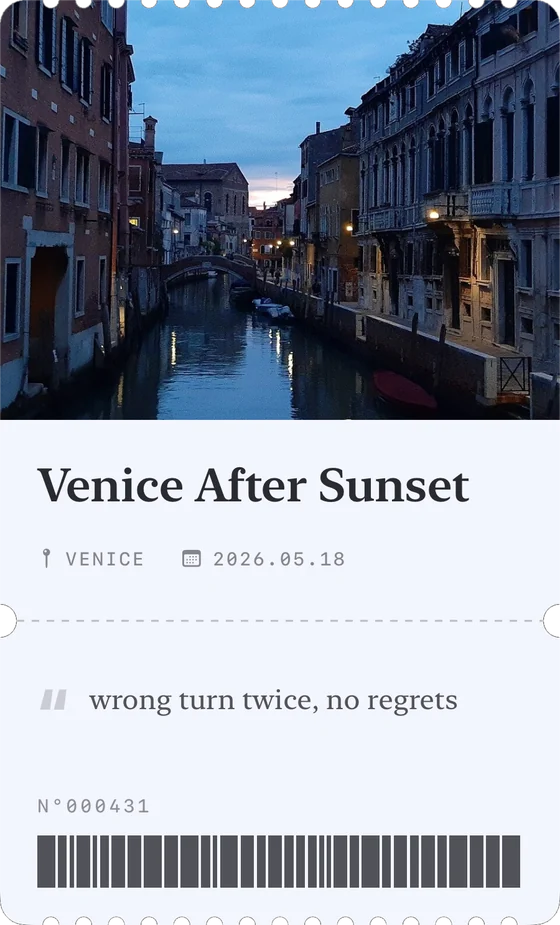
Memory Tickets (ours) turns one photo into a ticket with a title, place, date and one line about the day, then keeps the collection organized by month. It is free on iPhone and Android, needs no account, works offline and keeps your photos on the phone.
For ways to remember the trip that need no app at all, see how to remember your trips.