 Memory Tickets
Ski day, no signal
Best Ski Apps Offline: What Works Without Cell Service
Six ski apps compared on what works without cell service: GPS recording, resort trail maps, USD price, iPhone or Android, and a night-before checklist.
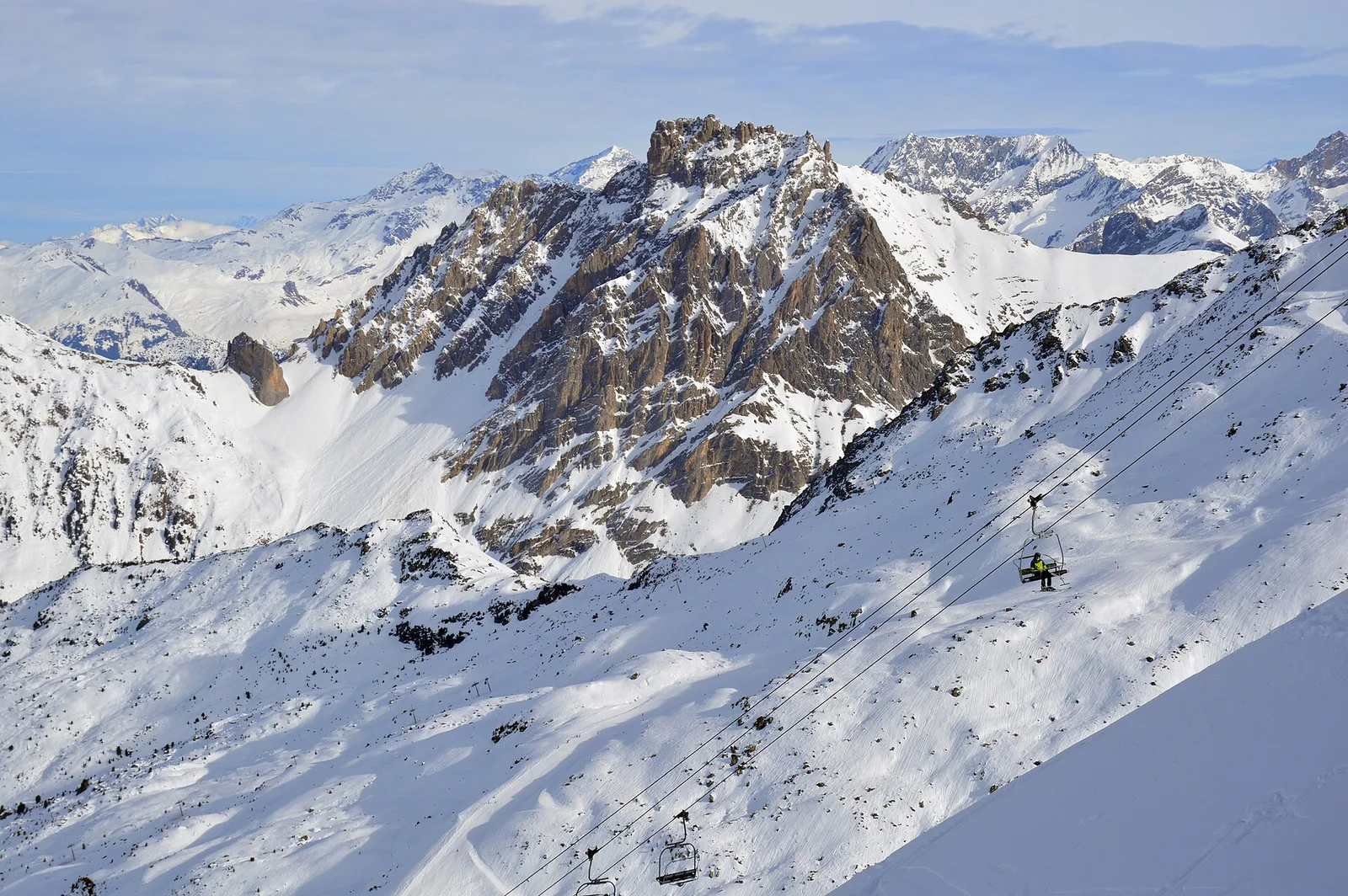
For a day at a US resort, the best offline setup is a resort app with a downloadable trail map plus one tracker that records without cell service. My Epic documents offline trail maps and GPS tracking. Slopes documents offline recording, and its offline resort maps come with the paid Plus plan. For the other apps below, offline map support is not documented.
This comparison is based on what each maker publishes, checked on November 14, 2026. Prices change, so confirm them in your app store.
Which ski apps work without cell service?
Offline gets used as one label for three jobs: recording your day, showing a trail map, and scanning a pass. Split them before you compare apps.
| App | Recording without cell service | Trail map without cell service | Cost (USD) | Phones |
|---|---|---|---|---|
| Slopes | Documented. Slopes says it only needs GPS signal. | Offline Resort Maps are listed under Plus. | Plus $34.99 per year, Explore $79.99 per year (US pricing shown, varies by country) | Plus: iPhone and Android. Explore features: iPhone only. |
| Ski Tracks | Documented: "logs your day reliably in offline mode." | Not documented | Not stated on the maker's site | iPhone and Android |
| My Epic (Epic Pass) | Documented: "Cellular service or Wi-Fi is not required to use GPS tracking." | Documented: interactive trail maps "with offline mode available for use without cell service." | Free app. Passes and tickets are sold separately. | iPhone and Android |
| Ikon Pass | Not documented | Not documented | Free app. Passes are sold separately. | iPhone and Android |
| OnTheSnow | Not documented | Interactive trail maps are listed; offline use is not documented. | Free | iPhone. Android: not confirmed. |
| Strava | Documented: "Recording offline is free for all athletes." | Not for ski resorts. Downloading routes needs a subscription. | Recording is free. Subscription price in USD: not confirmed. | iPhone and Android |
Sources: Slopes plans and Slopes offline FAQ, Ski Tracks, My Epic app page and App Store listing, Ikon Pass app page, OnTheSnow on the App Store, and Strava's offline help.
"Not documented" means the maker's own pages do not say either way. It does not mean the feature is missing. Some Ikon Pass reviewers on the App Store report that maps and tracking needed a connection. Those are individual reviews from earlier versions, so test the current app yourself.
Which one do you need?
You ski an Epic resort (Vail, Breckenridge, Park City and others). My Epic is the only app in the table that documents both parts, GPS tracking and an offline trail map. It is free, and you need it for the pass anyway. Download the map for your resort while you are on Wi-Fi.
You ski an Ikon resort. Use the resort's own website or app for a map you can save. Some resorts post a downloadable PDF. Save it to your phone and open it with data off. The Ikon Pass app tracks vertical and run stats, but its page says nothing about offline use.
You want a record of every run. Slopes is the one that pairs documented offline recording with a documented offline resort map, at $34.99 a year. Ski Tracks documents the recording only. Strava records offline for free, but it is built for general activities, so there is no resort map in it.
You want snow reports and lift status. OnTheSnow covers conditions and trail maps for a long list of ski areas. Load the conditions at the lodge, because the app does not document offline use.
Your plan is backcountry. That is a different job. Apps like onX Backcountry, which lists 3D offline maps for use without cell service, and Gaia GPS are built for it. They go with avalanche training and gear, and none of that is covered here.
Do ski tracking apps need mobile data?
Recording needs GPS, not data. Slopes says it only needs a GPS signal, and My Epic says tracking works without cellular service or Wi-Fi. One catch from Slopes: it may need internet to recognize a resort it has never seen. For a resort you have visited before, it can use local cached data. If your first recording of the trip has no resort name, check it again once your phone is back online.
If a recording does not start, Ski Tracks lists the same two things to check: that the GPS shows signal, and that location services are on for the app. Do this outside, with a clear view of the sky, before the first lift.
Can you download trail maps before a ski trip?
Yes, if the resort or the app offers it. In My Epic you download the map for each resort. In Slopes you need Plus. For everything else, save the resort's PDF map or take a screenshot of the map page. Then put the phone in airplane mode and open it. A page that loads at home may not be stored on the phone.
What should you set up the night before?
- Download the resort map in My Epic or Slopes, or save the resort's PDF, and open it once with data off.
- Allow location access for your tracker and record a short test outside. Check that it shows up in the history.
- Save the ski patrol number from the resort's website and your group's meeting point in a note on the phone.
- Charge the phone. Cold drains batteries, so keep it in an inside pocket.
Copy this card into a note that works offline:
Resort and date: ___ · Trail map saved in: ___ · Tracker and version: ___ · Location access checked: ___ · Ski patrol number: ___ · Group meeting point: ___ · Return plan: ___
No tracker is a safety device. Read the NSAA Responsibility Code before you go and follow the signs and closures at your resort. It says to stop only where you are visible from above and do not restrict traffic, so put the phone away before you move onto a run.
What about remembering the day?
You do not need a tracker to keep the day. One photo after skiing and a line about where you were is enough. Memory Tickets, an app I make, turns one photo into a keepsake ticket, so this comparison comes from the app's creator. For a daily structure, use the ski trip journal template, see the travel journal app guide, or try the one-photo-a-day idea.